I’m a type 1 diabetic who has always struggled to have good control of my blood sugars.
I’ve been using a traditional glucose meter (a TEE2). Every diabetic will have a glucose meter. The meter tells the tester what their blood sugar is at the time that the reading is taken.
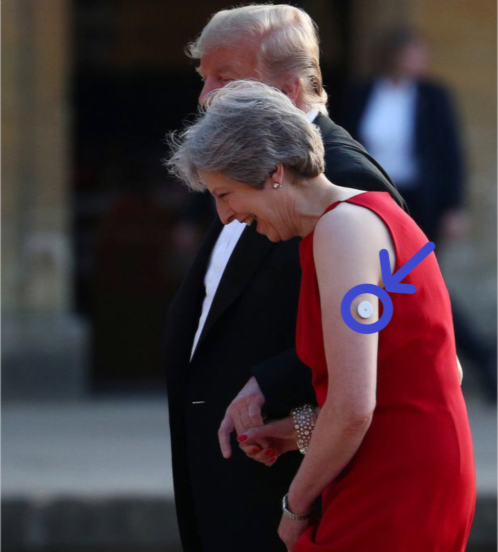
Nothing had really changed in the management or treatment of my diabetes for the last decade. That was until just over a week ago. It started when I saw this photo in the media:
I saw this photo of Theresa May (the current Prime Minister) who is Type 1 diabetic. I wondered what it was on her arm. (I’ve added on the circle and arrow on to the photo.)
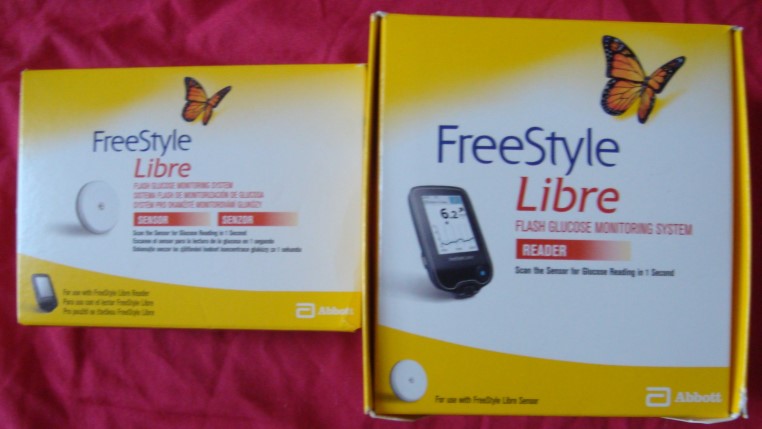
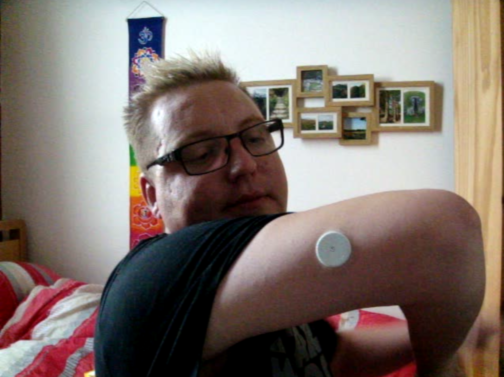
A sensor that has a needle that goes into the interstitial fluid is placed on the back of an arm. The sensor on the skin is about the size of a two pound coin. The sensor takes a reading every minute and stores readings at 15 minute intervals. The sensor can store 8 hours of data. A sensor lasts 14 days.
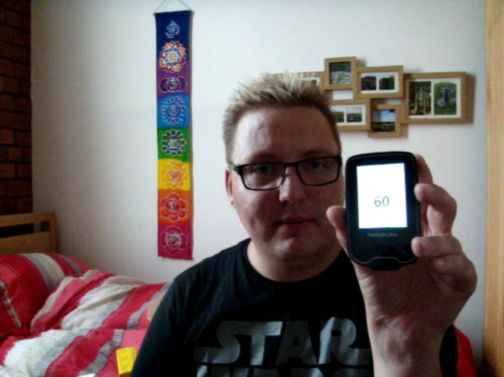
A Reader downloads data from the sensor, including the most current blood sugar reading by placing the reader near the sensor (using Fear Field Communication (NFC)). You don’t even need a Reader if you have a phone with NFC. You can download an App available for both Android and Apple smartphones that allows you to use your phone as a reader. I haven’t got a phone with NFC, so would need a reader.
So I did some research. I read the entire FreeStyle Libre website including watching tutorial videos and FAQs. Then I read some posts on the Diabetes UK Forums. I watched every video about the FreeStyle Libre on YouTube.
I discovered that in November of last year (2017) the FreeStyle Libre became available on the NHS. However from reading the forums it seemed that availability depended on local criteria.
I decided I needed to trial the FreeStyle Libre as part of a new health plan to improve my health and prevent illness where possible.
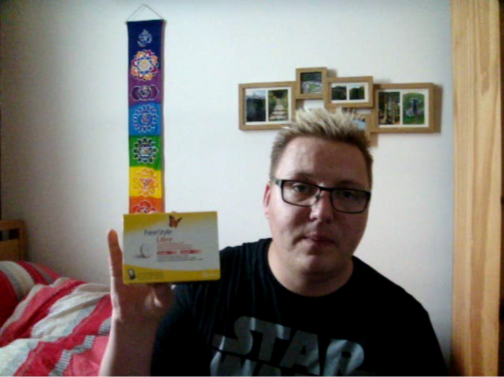
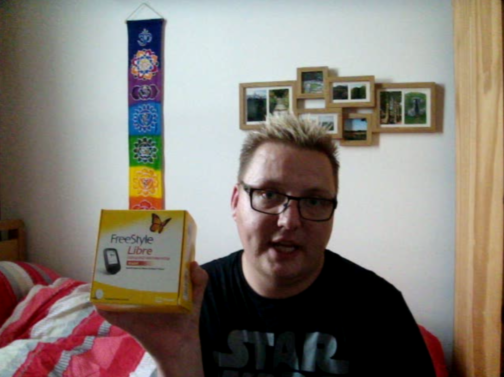
I managed to buy two sensors at my local Boots Pharmacy. A sensor cost more than £50 each. This was because I thought I’d probably have to self-fund due to the cost to the NHS.But I couldn’t buy a Reader anywhere. I rang my local Diabetes Specialists Centre. Their criteria for starting me on the FreeStlye Libre is: 1. is type one diabetic and 2. testing blood sugar 6-10 times a day. I met the criteria so they sorted me out with a Reader.
The Diabetic Specialist Nurse at my local Diabetes Centre was amazing. She sorted me a Reader. I saw the Diabetic Consultant in January and have been awaiting an appointment with a Dietitian. She said she’d chase this.
The Diabetic Specialist Nurse and I also arranged an appointment together in a few weeks time. This is so I can give her an update on my use of the FreeStyle Libre and so that she could write to my GP about putting the sensors on prescription. She informed me that if there was no improvement in my blood sugar control after 6 months, that my GP may choose to stop prescribing the sensors.
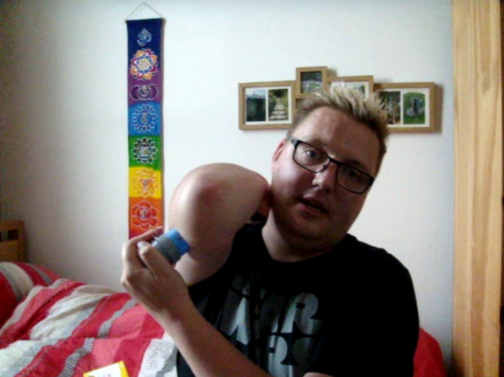
Excited I put on the sensor:
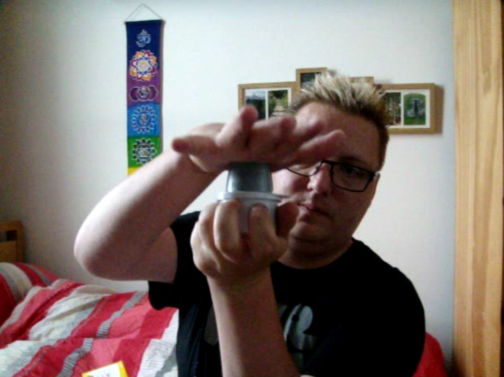
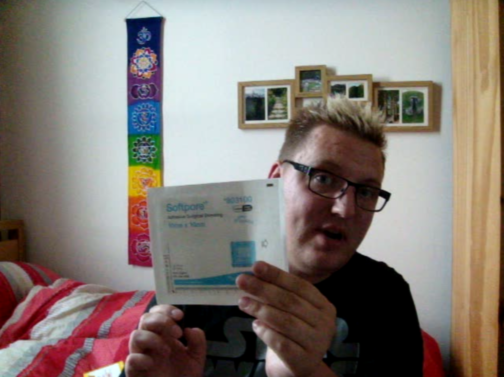
The sensor should be placed on the back of the arm. Start by cleaning with a pre-injection swab (provided with the sensor).The sensor is assembled by pulling off the lid of the white tub, then matching up the gray lines and pressing down. Really easy and simple.Place to your skin and press down. It’s painless and makes a clicking sound.There it is. Sensor on.I’ve chosen to put a 10cmx10cm dressing on my sensor to better protect it.All set up. Quick, easy and simple. I’ll let you know how I go on.
I’ve been wearing the sensor and using the reader for a few days now. So here’s the pros and cons I’ve discovered so far:
Pros
Cons
The sensor isn’t noticed by others being on the back of my arm (covered even by short sleeves).
I don’t feel the sensor in my arm at all. No discomfort or pain. The reader is pocked sized
It’s quick and easy. A quick swipe and you have your current blood sugar along with a line graph showing your blood sugar throughout the day (and night) from readings the sensor has taken.
It’s more discrete swiping the reader near your arm, rather than getting out your glucose meter and pricking your finger.
I can check my blood sugar as often as I want, without worrying about running out of testing strips.
The reader has a whole host of useful features including: reading alarm reminders, logbook, daily graph, average glucose, daily patterns, time in target glucose range (which you set when you setup the reader), sensor usage, add notes to go with readings (including units of rapid-acting insulin, units of long-acting insulin, food – carbs, medicine and exercise).
It tells you how many days you have before you need to change the senor on the home screen.
The daily graph along with arrows showing whether your blood sugar is increasing (and how quickly), stable or decreasing (and how quickly) are enabling me to make better bolus insulin adjustments. The food notes will enable me to better match the number of rapid insulin units I need to administer based on the number carbs I’ve eaten.
The reader is helping me to identify trends in my blood sugars and helping me prevent my blood sugar from rising too high. FreeStyle have software for both Windows on Mac that uses the data to create reports that you can share with Health Professionals.
If you have a phone with NFC you can use an App on your phone rather than using the reader. The Apps appear to have all the same features as the Reader.
The reader comes with with a USB wire (for connecting to computers) and has a plug to charge it from mains. According to the manufacturer, a full charge lasts about a week with average use.
The sensor takes the reading from interstitial fluid rather than blood. This means that the reading is 10-15 mins behind. This is not an issue if your blood sugar is stable, but could be an issue if it’s dropping.
The reader feels a little flimsy and doesn’t come with any cover or pouch to protect it from damage and general wear and tear.
The DVLA don’t currently allow readings from this monitor to count as a before driving test. Therefore a traditional glucose meter and finger pricking is still required prior to driving.
The sensors are expensive, costing over £50 each. This is a Con whether you are paying for them privately or whether the NHS is being charged for them (as we pay for the NHS through our taxes).
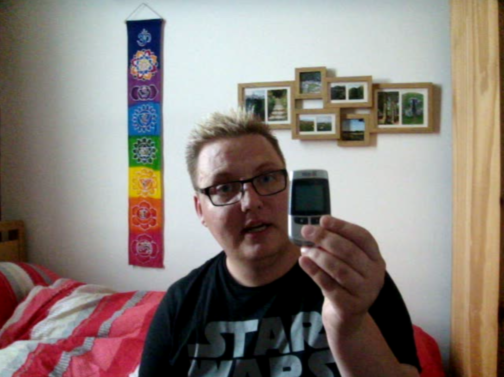
I was going to do this blog posts as a vlog (video blog). But I couldn’t get my head around the video editing software, so opted for the written method instead. That’s why the photos of me look like image captures from a video, because they are.
The FreeStyle Libre Glucose Monitoring System is just one part of my new health plan. I also want to become SmokeFree for good and lose weight through a better diet and regular exercise.
Write soon,
Antony
Support
I recognise that people visiting this page/post might want to know where they can get support. If you require support around your mental health, addiction or physical health, see this Support page here.
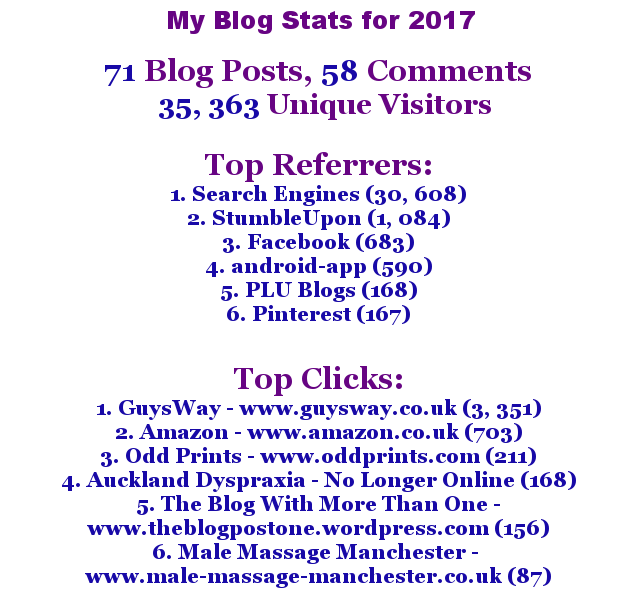
Lets have a look on how they compare against My Blog Stats for 2016. The number of blog posts was 71 in 2017 and 82 in 2016, meaning a decrease of 11 posts. However the number of comments have increased by 23 comments, with 58 comments made in 2017 versus 35 comments made in 2016.
In 2016 my blog had 1, 811, 905 hits. I don’t have data for 2017 due to switching hosting providers partway through the year. However the number of unique visitors in 2017 increased by 8,863 (35, 363 in 2017 versus 26, 500 in 2016).
The top referrer in both 2016 and 2017 was search engines. However in 2017 StumbleUpon past Facebook. Android-app remained in fourth place in 2017 as it was in 2016.
Twitter dropped off the Top Referrers list in 2017, which was disappointing as I increased tagging of relevant users, used hashtags better and tried to engage more with people on Twitter. But it was replaced with PLU Blogs which I listed my blog on as a bit of an experiment. It was also replaced by Pinterest another site that I had experimented with in 2017.
This year (2018!) I would like to exceed the number of posts written in 2017. I’d like the comments to remain high, as well as the hits and unique visitors to continue to increase.
This is the sixth and final in a series of Did You Know? blog posts. Each blog post gives fascinating facts on a particular topic. In part 1 the topic was science. In part 2 the topic was history. In part 3 the topic was geography. In part 4 the topics were art & music. In part 5 the topic was animals.
Today, I give you ten facts about Technology:
1. The first mobile phone call was made by Martin Cooper in 1973.
2. The first iPhone was released in the UK in 2007. Today there are more than 682m iPhones in the world.
3. Alan Turing is most well-known for being an excellent code-breaker in World War 2. He happened to be gay and was castrated by the UK state for his sexuality. But he also proposed founding theories about how to make computers work and computer science.
4. The World Wide Web (WWW) was invented by Sir Tim Berners-Lee in 1989. Today £1.7trillion is spent online in a year, 3m emails are sent every second (mostly SPAM) and there is countless amounts of data on the internet.
5. The X-ray was invented by Wilhelm Conrad Röntgen in 1895. The idea for the CT (Computed Tomography) scanner was first imagined by Godfrey Hounsfield in 1969. Hounsfield presented his idea to Dr. James Ambrose and they worked together to make his idea a reality. The MRI (magnetic resonance imaging) scanner was developed by a number of people. The X-ray, CT scanner and MRI scanner have all revolutionised medicine, by allowing doctors insight to what it going on in a patient’s body, without the need for invasive surgery.
7. Someone using a computer will blink 7 times a minute, rather than the normal 20 times a minute. This is because they are concentrating more on the screen.
8. Technology of Sci-Fi TV shows and films is now becoming a reality. For example, in Star Trek computers respond to verbal commands and its responses were relatively intelligent. Today we have Siri (Apple), Alexa (Amazon), Contina (Windows) and Android Voice Commands (Google/Android).
9. The operating system Linux is huge across servers, computers, tablets and smartphones. The chances are you use it without even realising. Linux is on every Android device, along with being on most serves (computers that host websites) in the world. Facebook, Google and Pinterest all run on Linux servers.
10. The people at Wired.com were the first to come up with banner advertisements, which are now used on most commercial websites.